
iPhone · long distance
Long-distance widgets that close the gap.
Their local time. The days you’ve been together. The countdown to your reunion. The distance between your two cities. And a canvas you both draw on, that lands straight on each other’s home screen.
iOS 17 or later · no ads, no subscription
The four that matter when you’re apart.
Partner’s time
Their local clock, with a quiet indicator when they’re in their sleep hours. Stop doing timezone arithmetic in your head.
Days together
How long you’ve been a thing, counted from the date you set.
Until we meet
A countdown to the next time you’re in the same place. The one number long distance actually runs on.
Distance
How far apart your two cities are. Picked from a list — no GPS, and the app never asks for location access.
And the one that makes it feel less like a dashboard.
Counters tell you how far apart you are. The canvas is the part where they drew something stupid at 2am and you found it on your home screen over breakfast. Strokes land on both screens in a couple hundred milliseconds, there is no send button, and the widget refreshes itself.
No streaks. No reminder that guilt-trips you for a quiet week. Nothing gets taken away if you don’t draw — your saved drawings stay exactly where they are.
Read the full FAQ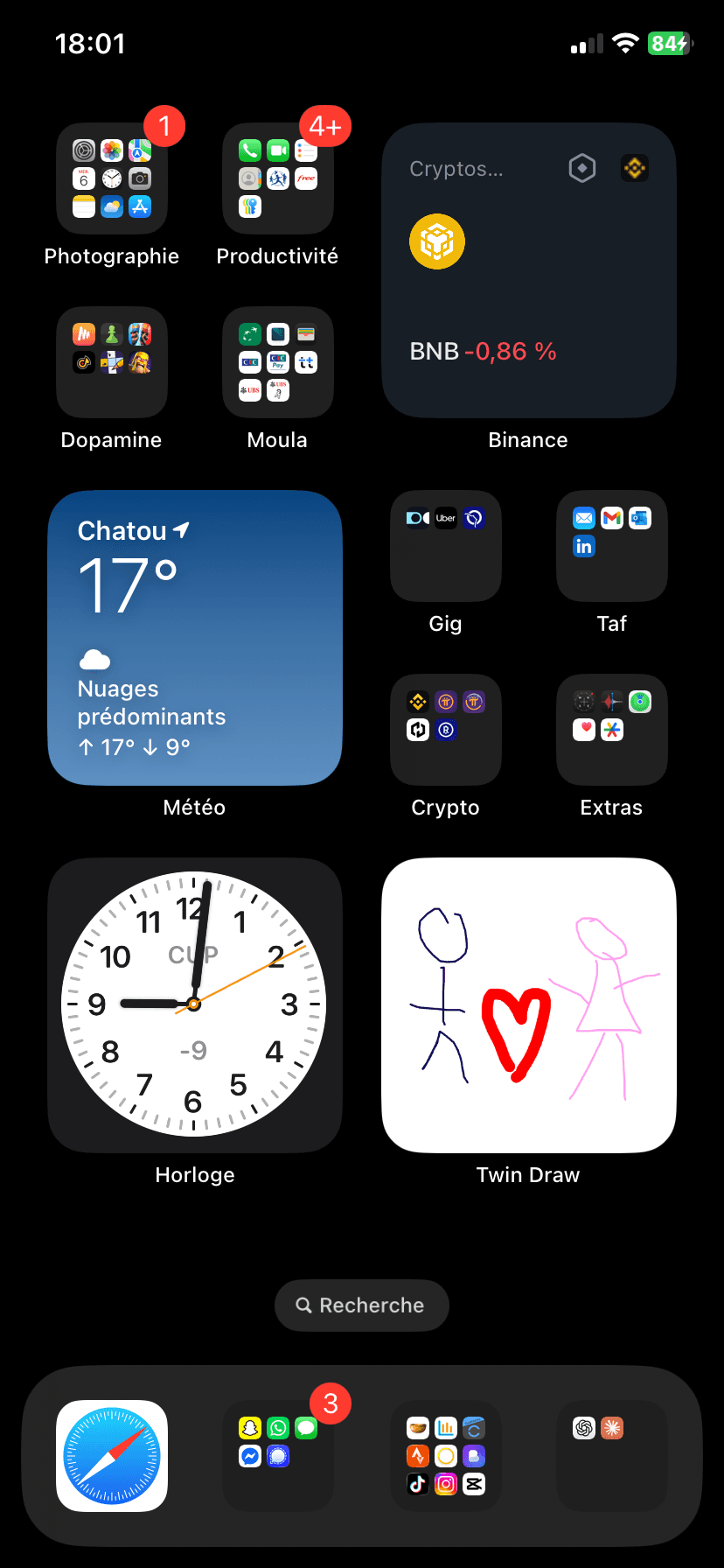
Long-distance questions.
What is the best widget for a long-distance relationship?
The one you look at without thinking. Twin Draw ships five: a shared canvas showing your partner's latest drawing, their local time with a sleep indicator, a days-together counter, a countdown to your next reunion, and the distance between your two cities. All five are free and all five sit on the iPhone home screen.
Can I see my partner's time zone on my home screen?
Yes. The Partner's time widget shows their local clock, taken from their device's UTC offset, and quietly indicates when they are inside the sleep hours they set — so you can tell at a glance whether a message would wake them.
Is there a widget that counts down to seeing each other again?
Yes. The Until we meet widget counts down to a reunion date you both set, and sits on the home screen so you see the number drop without opening anything.
How does the distance widget work without location access?
Each of you picks a city from a fixed list. The widget shows the distance between those two cities. Twin Draw never requests location permission and does not collect GPS data.
Do both people need an iPhone?
Yes. Twin Draw is an iPhone app and requires iOS 17 or later on both sides. There is no Android version yet.